Directory layout for Grok — SKILL.md plus scripts, references, and assets. 4 file(s).
Edit in place, then Save (full package security scan). Use fullscreen for a larger workspace.
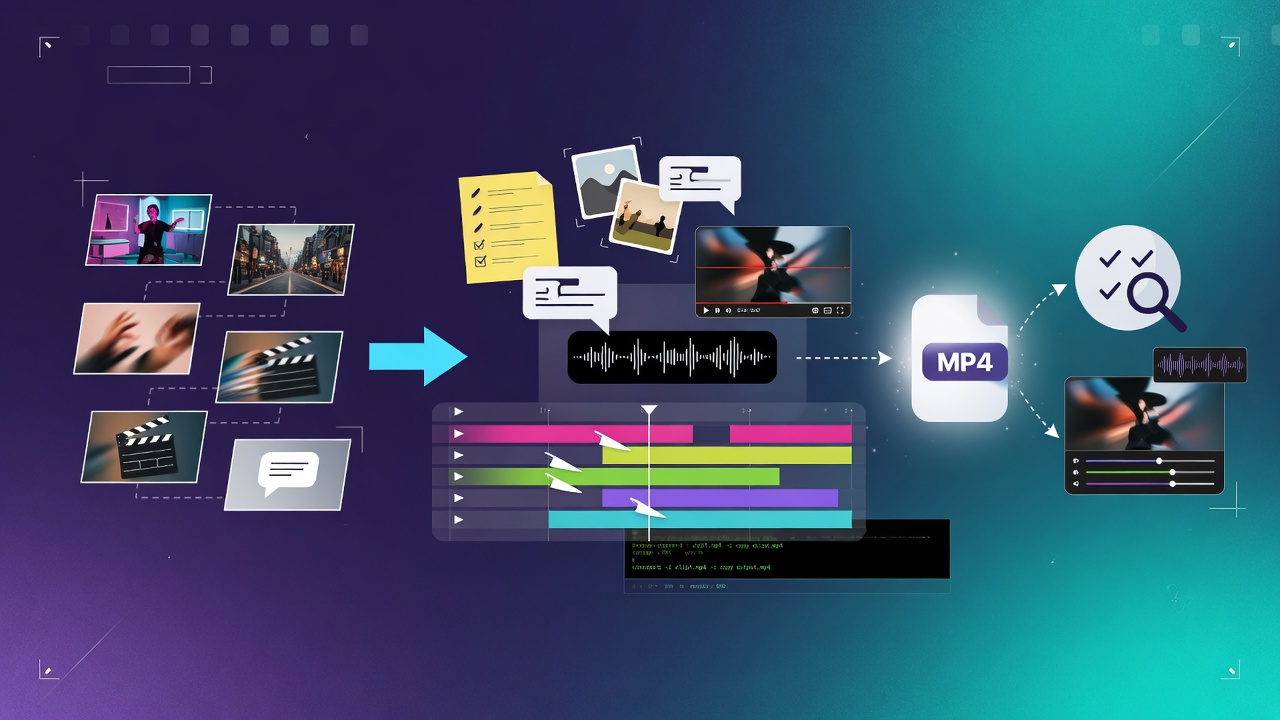
# Shot To Cut Make a real short video. Brief, then shots, then pictures, then cut, then captions, then QA. Inspired by Remotion-style discipline (plan, do not clobber user edits, caption, render-check). This is an original Grok package, not a Remotion docs clone. Read `references/shot-list.md` before generating media. Read `references/render-qa.md` before you deliver. Copy `templates/brief.md` if the user has no brief yet. ## When to use - Short film, trailer, explainer, reel, storyboard to MP4 - User says make a video, cut this, add captions - Multiple stills or clips that need an edit ## When NOT to use - Slack or emoji GIFs (use slack-gif) - Seeded p5 art (use seeded-art) - Recreating copyrighted films or living-person deepfakes ## Inputs - Brief: audience, length, one job - Optional voiceover text - Optional existing clips or stills ## Procedure 1. Fill the brief. Lock length and aspect (9:16, 1:1, or 16:9). 2. Write a shot list from `references/shot-list.md`. Do not generate media until the list exists. 3. Make stills or clips per shot. Original only. Keep filenames matching the shot ids. 4. If the user already edited a file, do not overwrite it. Write a sibling. 5. Concat with ffmpeg or the host video tools. Add captions from the brief, not from guessed speech. 6. Run `references/render-qa.md`. Fix black frames, silence, clipped captions, and aspect mistakes. 7. Deliver the MP4 plus the shot list. ## Output format - brief.md (if you had to write one) - shot-list.md - final.mp4 - QA notes (pass/fail bullets) ## Safety - Original footage and generated stills only. - No CSAM, no real-person deepfakes, no copyrighted score dumps. - No tracking pixels in the video. ## Stop conditions - MP4 + shot list + QA delivered, or refused for copyright/safety
By continuing, you agree to our Terms of Service and Privacy Policy.
Separate tags with spaces. AI may suggest tags after security scan — remove anytime without re-scanning.
grokpot is the community hub for Grok — publish custom skills and multi-file skill packages, then wire your catalog into chat with a personal MCP connector. Browse, like, comment, and discover what builders ship.
Built for the Grok community
Type your username below to confirm. This cannot be undone.